Desktop/web app
AvailableArbiMod Edge
Your ads on top of the book, all day, within the API limit.
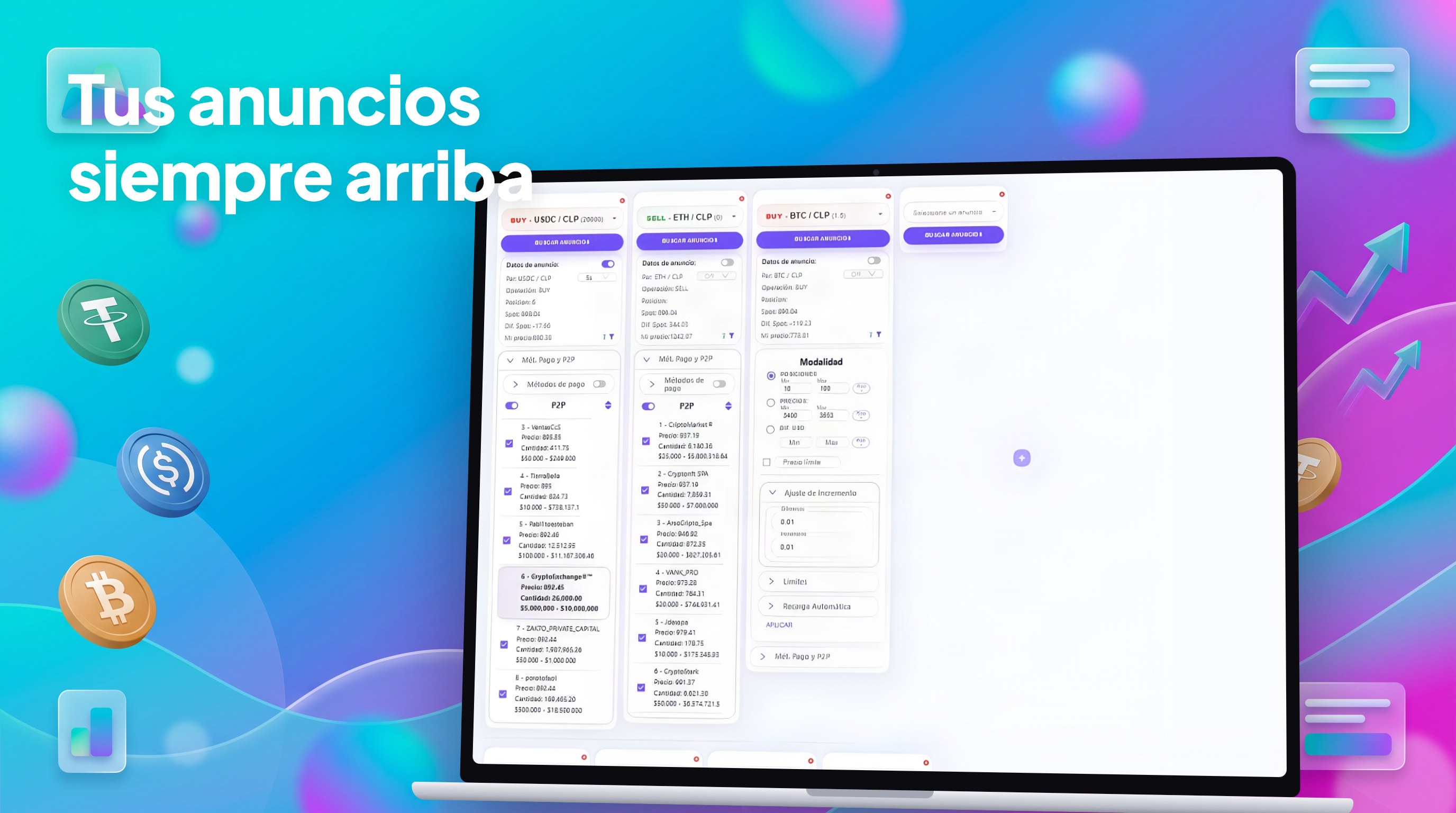
ArbiMod Edge is the heart of the suite: it reads the P2P order book, decides the price based on your filters and repositions your ads without you watching the screen. It's the same bot we use to do 160+ orders a day per account.
Learn more
Per-ad update timing
Assigns a different refresh interval to each ad, avoiding the «Too Many Request» block that hits global-timing bots.
Desktop or Web version
Choose how to run Edge: installed on your computer, or the Web version running on our servers 24/7 (you need to keep the browser tab open), with faster updates and instant improvements — nothing to install.
Native Binance P2P
Runs directly against Binance P2P's official API: search, change price, toggle and top up amounts.
Competitor filters
Compete by position, by price or by USD difference. Set limits, increments and ignore lists.
Observation mode
When you pause an ad, the bot stops competing but never turns it off on its own: turning off is always your call.
Auto top-up
On low balance, it tops up the ad amount and notifies you on Telegram.
Multi-account with IP rotation
Run several accounts in parallel with per-profile IP lanes to keep sessions healthy.
The suite
- 1
Connect your Binance accounts (keys are encrypted locally).
- 2
Set filters, limits and frequency per ad.
- 3
Start the engine: Edge positions and keeps your ads on top.
- 4
Watch results from the desktop or from ArbiMod App.
See product
Traders running multiple ads and accounts who need to stay on top without being glued to the screen.